.png?width=185&height=50&name=Full%20Passion.io%20logo%20(white).png)
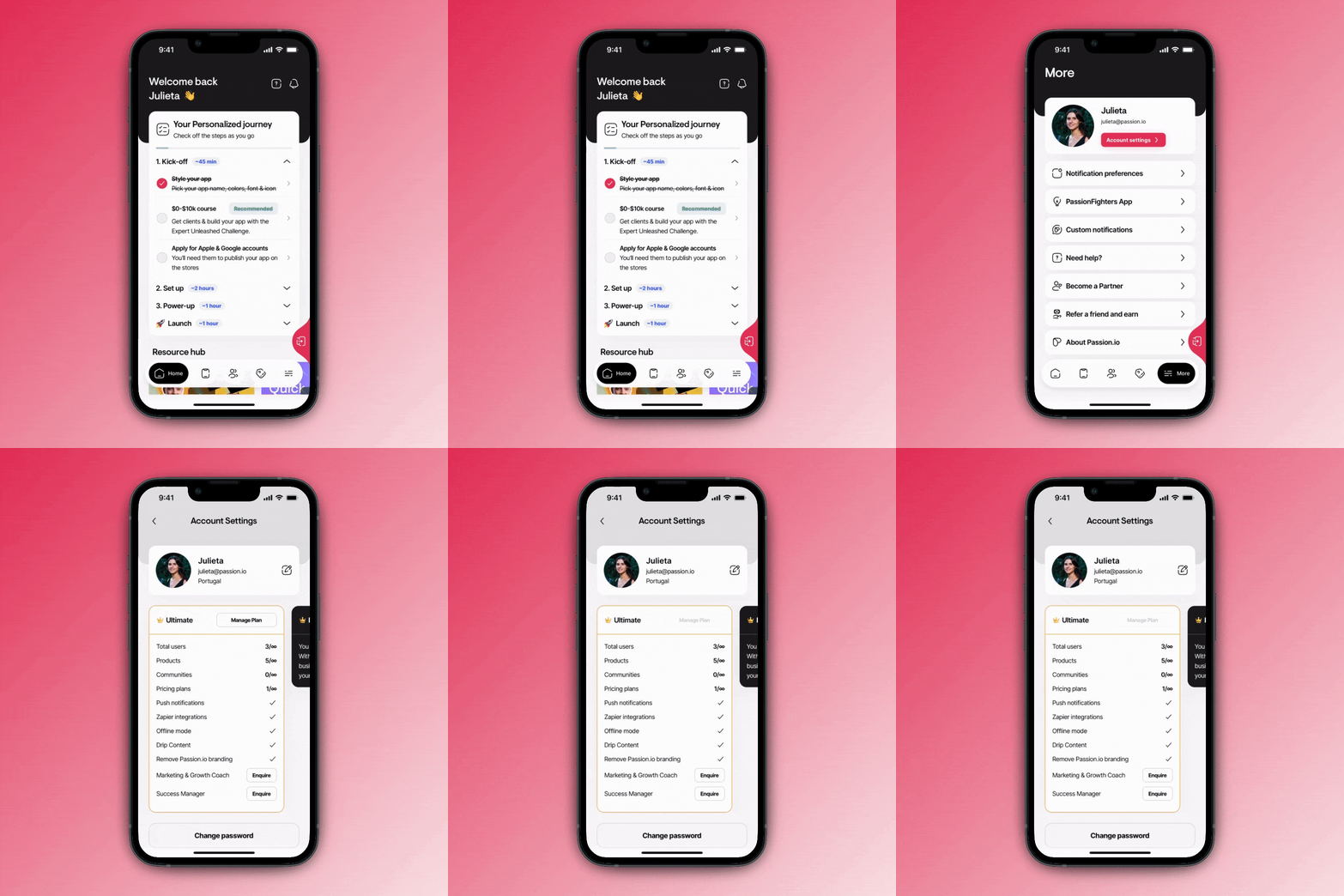
Your Subscription Details
Click your account menu and go to Subscription. The Plan section shows, per subscription you hold (Passion app, Your AI, or a bundle): the plan name, price and billing cycle (“{amount} billed monthly/yearly”), and its renewal date (“Renews {date}”).
The separate Credits card shows your AI credits' own reset date — that's not the same as your plan's renewal date.
In Stripe's billing portal (Payment method → Manage billing), you can also view:
- Payment — the payment method on file for your account.
- Billing information — name, email, address, phone number, and tax ID.
- Invoice history — previous payments, with the option to download a PDF invoice.